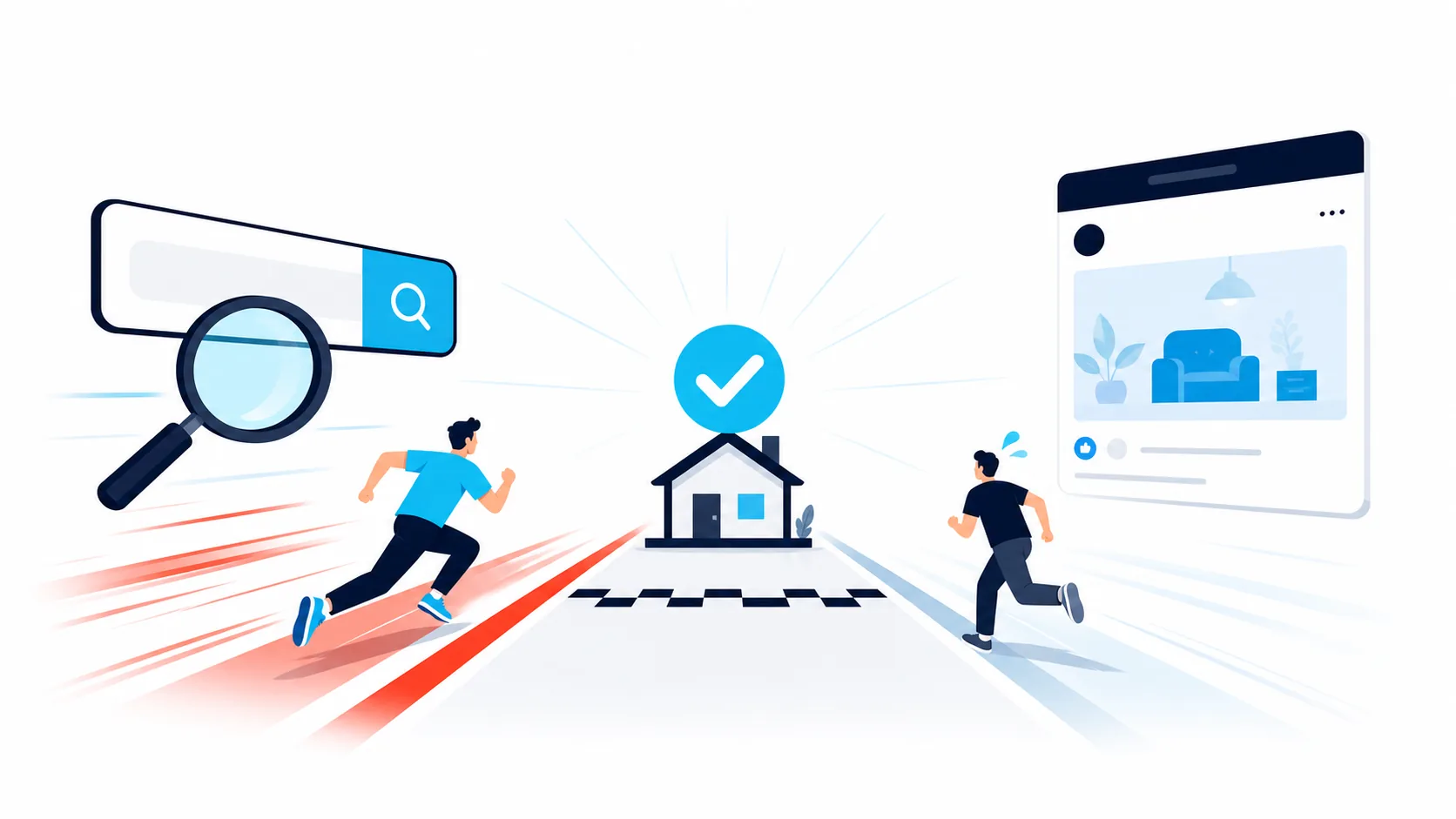
Google Ads vs Facebook Ads: Which Gets Jobs Faster For Your Home Improvement Business?
For most home improvement businesses, Google Ads delivers booked jobs faster than Facebook Ads.
The reason is simple. Google captures people actively searching for a solution right now. Facebook reaches people who are not yet looking but might be interested.
That said, the right answer depends on your services, your job values, and how quickly your team responds to enquiries. A business handling emergency HVAC callouts will see different results from a bathroom renovation company filling a consultation calendar for the next quarter.
The real question is not which platform is universally faster. It is which platform gets you booked jobs at a profitable cost for the specific work you do, in the timeframe you need.
In this guide, you’ll see:
- What “faster” actually means when you’re measuring booked jobs, not ad clicks
- How Google Ads converts search intent into enquiries, and when it struggles
- How Facebook and Instagram turn casual attention into qualified leads, and when they don’t
- Worked calculations so you can compare channels using your own numbers
- Hidden costs that never appear on advertising invoices
- How to run a fair 14 day test to determine your winner
- How the best choice shifts for emergency work, mid ticket jobs, and large renovations
What “Faster” Really Means When Booking Jobs
Speed in advertising is not just about generating the most clicks today. For a home improvement business, “faster” operates on three separate timelines:
Time to contact. How quickly someone can reach you, or you can reach them, after seeing your ad.
Time to qualify. How quickly you determine whether this is a real job, in your service area, at your price point.
Time to book. How quickly you lock in a calendar slot, whether that’s a site visit or a design consultation, while the prospect is still engaged.
Google Search Ads are built for high intent moments. Google’s own research on consumer behaviour describes these as “micro-moments”, when people turn to their phones expecting immediate answers. Someone searching for your service is already trying to solve a problem. Your ad puts a phone number or enquiry form in front of them at exactly that moment.
Facebook and Instagram operate differently. These platforms serve ads to people who are scrolling through content, not actively searching for a contractor. Meta’s advertising system is built for discovery and awareness. You can still generate quick leads through instant forms that pre-fill contact details, but many of these prospects are earlier in their decision journey.
The fundamental difference:
- Search starts closer to “I need someone now”
- Social starts closer to “That looks interesting, maybe we should consider this”
Both channels can deliver fast results if you handle the lead properly. The key is matching the prospect mindset to your service offering.
How Google Ads Delivers Jobs Faster (And When It Doesn’t)
Picture someone in Parramatta searching “hot water system replacement” at 7:20 in the morning, or “bathroom renovation quotes” on a Sunday night. A responsive search ad with call assets puts your phone number directly in the search results, alongside your headline and offer. One tap and your phone rings. (Google’s standalone call ad format is being retired by February 2027, so search ads with call assets are now the call focused setup.)
This is where Google Ads excels for home improvement businesses:
- Urgent work. Leaks, power outages, blocked drains, no heating.
- Clear service plus location searches. “Switchboard upgrade Brunswick”, “solar installer Norwood”, “bathroom renovation Adelaide”.
- Jobs where someone is actively trying to hire right now.
You’re intercepting demand at the exact moment it surfaces.
When Google Ads Feels Slow or Expensive
Google Ads will underperform when:
Your keywords are too broad. Targeting “plumber Sydney” or “renovations Melbourne” without filters pulls in too much irrelevant traffic.
Your service radius is poorly defined. You’re paying for clicks from areas you don’t serve.
Your team can’t respond quickly. Missed calls and unanswered enquiry forms mean wasted ad spend.
You’ll also feel cost pressure in trades and markets where the cost per click (CPC) is high. CPC is simply what you pay each time someone clicks your ad.
But here’s what matters: the key number is not CPC. It’s cost per booked job.
If your cost per booked job leaves comfortable room for profit on the jobs it brings in, the channel is working. If not, you adjust or pause. We’ll walk through the calculations shortly.
How Facebook Ads Delivers Jobs Faster (And When It Doesn’t)
Now picture someone scrolling Instagram during their lunch break. Your before and after of a completed bathroom renovation stops the scroll, with a simple overlay: “Renovating this year? Book a free design consultation.”
Tapping opens an instant form with their contact details already populated. Meta’s form optimisation settings let you choose between “more volume” and “higher intent”. The higher intent option adds a review step that filters out casual browsers.
This is where Facebook and Instagram shine:
- Design heavy or aesthetic work. Bathrooms, kitchens, landscaping, pools, exterior renovations.
- Non urgent jobs where visuals demonstrate value. Before and after transformations do the selling.
- Seasonal campaigns. “Solar installed before summer”, “Outdoor living ready for spring”.
If you respond quickly, this can move from “interesting idea” to “consultation booked” faster than many business owners expect.
When Facebook Ads Feels Slow or Generates Low-Quality Leads
Facebook Ads will underperform when:
You optimise forms for volume over intent. You collect names, not prospects.
You rely on “message us” without monitoring. Nobody checks the inbox during ad hours.
Your creative looks generic or stock. People scroll past forgettable content.
Your pricing is vague. You attract price shoppers rather than serious buyers.
Paid social captures attention first and intent second. Without fast, systematic follow-up, you’ll collect expressions of interest that never convert to booked jobs. We’ve covered how to fix that in our guide to turning enquiries into booked jobs.
So Which Channel Is Actually Faster?
If you need booked jobs this week, Google Search Ads typically win for most home improvement businesses. Not because of marketing hype, but because of behaviour. People searching “blocked drain Norwood” or “kitchen renovator Adelaide” are already trying to solve a problem.
Use Google Ads when:
- Someone would logically type a service plus location query
- Your team can answer the phone during business hours
- The work is urgent or time sensitive
Use Facebook and Instagram when:
- The work benefits from photos, video, and social proof
- You’re building a pipeline for next month or next quarter
- You want to be the remembered name when people eventually search
On both platforms, the speed advantage comes from shortening the path between ad and conversation. On Google, that means call assets on your search ads during hours you can answer. On Meta, it means instant forms with a fast callback. Each capture method has trade-offs, and we’ve compared them properly in our guide to Facebook forms vs website forms vs calls.
The Maths, Step by Step, With Worked Examples
Let’s run two illustrative models for a bathroom renovation business with an average job value of $28,000. These are example numbers designed to show the method. Replace them with your actual CPC, conversion rates, and job values.
Scenario A: Google Search Ads with Call Assets
Assumptions:
- Average CPC on “bathroom renovation” plus suburb terms: $15
- Weekly ad spend: $1,500
- Clicks: $1,500 / $15 = 100 clicks
- 10% of clicks become enquiries (calls plus quote forms): 10 enquiries
- Half qualify and book a design consultation: 5 consultations
- One in three consultations signs in the following weeks: 1 to 2 jobs
Now the calculations:
- Cost per booked consultation = $1,500 / 5 = $300
- Cost per signed job = $1,500 / 1.5 = roughly $1,000
- Against a $28,000 job, that leaves enormous room for profit.
Scenario B: Meta Instant Forms for the Same Business
Assumptions:
- Cost per lead with the “higher intent” form setting: $35
- Weekly ad spend: $1,500
- Leads: $1,500 / $35 = roughly 43 leads
- 40% answer and qualify when called back within the hour: about 17 conversations
- 30% of conversations book a consultation: 5 consultations
- One in three signs: 1 to 2 jobs
Now the calculations:
- Cost per booked consultation = $1,500 / 5 = $300
- Cost per signed job = roughly $1,000
Notice the end cost can land in the same range. The difference is timing and effort. Search enquiries arrive closer to a decision and book sooner. Meta leads need more phone calls and more nurturing, but the volume builds a pipeline that keeps producing consultations weeks later.
The same method applies to urgent callout work at lower job values. Only the numbers and the margin for error change. Whatever you sell, compare cost per booked job (or signed contract), never cost per click or cost per lead.
The Hidden Costs Nobody Mentions
Every advertising channel has costs that won’t appear on your invoice.
Google Ads: Missed Calls
If nobody can answer calls in real time, each missed tap is wasted money. Protect yourself by:
- Scheduling ads only during hours someone can answer
- Using missed call to text automation so prospects receive a quick message if nobody picks up
- Routing calls to whoever is available (office staff, dispatcher, virtual receptionist)
Your time to answer is part of your speed to lead.
Facebook and Instagram: Creative Production and Follow-Up
On social platforms, the hidden costs are:
- Creating and refreshing quality visuals (photos, before and after content, short video)
- Responding quickly to form submissions, messages, and comments during your ad schedule
Attention cools rapidly on social media. If your team can’t respond within the hour during ad hours, keep campaigns tightly scheduled and avoid “message us” calls to action at 10 PM when nobody is monitoring.
Both Platforms: Moderation and Measurement
Both channels also need someone to filter spam and someone to connect clicks and form fills to actual booked jobs, not just “leads”. If you only look at cost per click or form submissions, you’ll choose the wrong winner.
The only metric that truly answers “which is faster?” is booked jobs at an acceptable cost.
A Fair 14-Day Test to Pick Your Winner
Here’s how to test Google Ads against Facebook Ads cleanly.
Step 1: Define “Faster”
Write down what “faster” means for your business. For most home improvement businesses it’s more booked jobs (or consultations) this fortnight, at a cost that still leaves profit, with first contact happening quickly. That becomes your benchmark.
Step 2: Split Budget Evenly
Run a two week test with the same budget on each platform.
On Google: one Search campaign, tight geography around the areas you actually serve, service plus suburb keywords, and responsive search ads with call assets so your number appears on the ad. The full setup, keyword by keyword, is in our Google Ads guide.
On Meta: one core service, your strongest before and after image or a short video, an instant form set to higher intent, and the same tight geography.
Keep the ad copy plain on both: the problem, the location, the next step. Clear beats clever.
Step 3: Keep Follow-Up Rules Consistent
Across both channels, answer calls as fast as you can, call leads back within minutes where possible, and use the same qualification and booking script. You’re testing the channels, not your team’s mood on a particular day.
Step 4: Pick the Winner Based on Jobs, Not Feelings
At the end of each week, track:
- Conversations started within one hour of the click or lead
- Booked jobs or consultations
- Cost per booked job
Then keep the channel that books jobs faster at a sustainable cost. If both work, keep both and assign different roles: search for immediate demand, social for pipeline, larger projects, and proof of work.
How the Answer Changes by Service and Job Type
The right channel depends heavily on what you sell.
Emergency and Urgent Work
Examples: Burst pipes, blocked drains, power outages, no hot water, dead air conditioning in January.
Here, search almost always wins on speed. People are already searching “emergency plumber near me” and want to speak with someone immediately. Your job is to bring your phone number into the ad with call assets, answer in under 60 seconds, and give clear next steps.
Mid-Ticket, Visual Jobs
Examples: Fencing, exterior painting, landscaping, roof restoration.
Both channels can work. Search captures ready buyers looking for quotes. Facebook and Instagram put quality visuals in front of local homeowners who weren’t actively thinking about the work. If you can demonstrate quality and quote quickly, social can create demand and convert it faster than most owners expect.
Large Renovations and Higher-Value Projects
Examples: Kitchens, bathrooms, extensions, pools, solar.
These usually need both channels:
- Facebook and Instagram for awareness, before and after proof, and remarketing to engaged audiences (remarketing simply means showing follow-up ads to people who already engaged with you)
- Google Ads for the day they finally type “kitchen renovator Adelaide”
The fastest setup is often the combination. Social warms them up, search catches them at the decision moment.
Common Pitfalls That Slow Both Channels Down
A few traps appear repeatedly:
- Going too broad on location. You pay for clicks in areas you’ll never service.
- Writing generic ads. You blend in with every other “local expert”.
- Running ads when nobody can respond. Speed evaporates when calls go to voicemail.
- Long, complicated forms on Meta. Attention dies before people finish.
- Chasing position one on Google at any cost. Position two with better copy often works fine.
The fix for most of these is the same. Keep geography tight, speak to one problem and one area per ad, match ad schedules to your phone coverage, and back it up with missed call to text.
Making Your Decision
The honest summary:
Google Ads typically wins for urgent, intent driven jobs, because it meets people at the “I need someone now” moment.
Facebook and Instagram typically win for visual work and pipeline, when your creative is strong and your follow-up is fast.
The golden rule: define “faster” as booked jobs, not cheap clicks. Run a fair two week test with consistent follow-up on both channels, then keep the channel (or combination) that books jobs at a cost that leaves profit. And if you’re still weighing paid ads against organic search altogether, our SEO vs Ads comparison covers that decision.
Once you do that, you stop debating platforms and start filling your calendar.
Get Both Channels Working Without Running Them Yourself
Choosing a platform is the easy part. Building the campaigns, landing pages, tracking and follow-up that turn ad spend into booked jobs is an ongoing job in itself. Our Paid Ads accelerator runs Google, Meta (Facebook and Instagram), or both, on top of the Website and Enquiry System, our system for trades, so every click lands on a page built to convert and every enquiry gets a text back in under 60 seconds. You see exactly what was spent, what it produced, and what each job cost.Lead Generation
Book a demo