The Ultimate Guide to Ranking on Google Maps (Google Business Profile for Home Improvement Businesses)
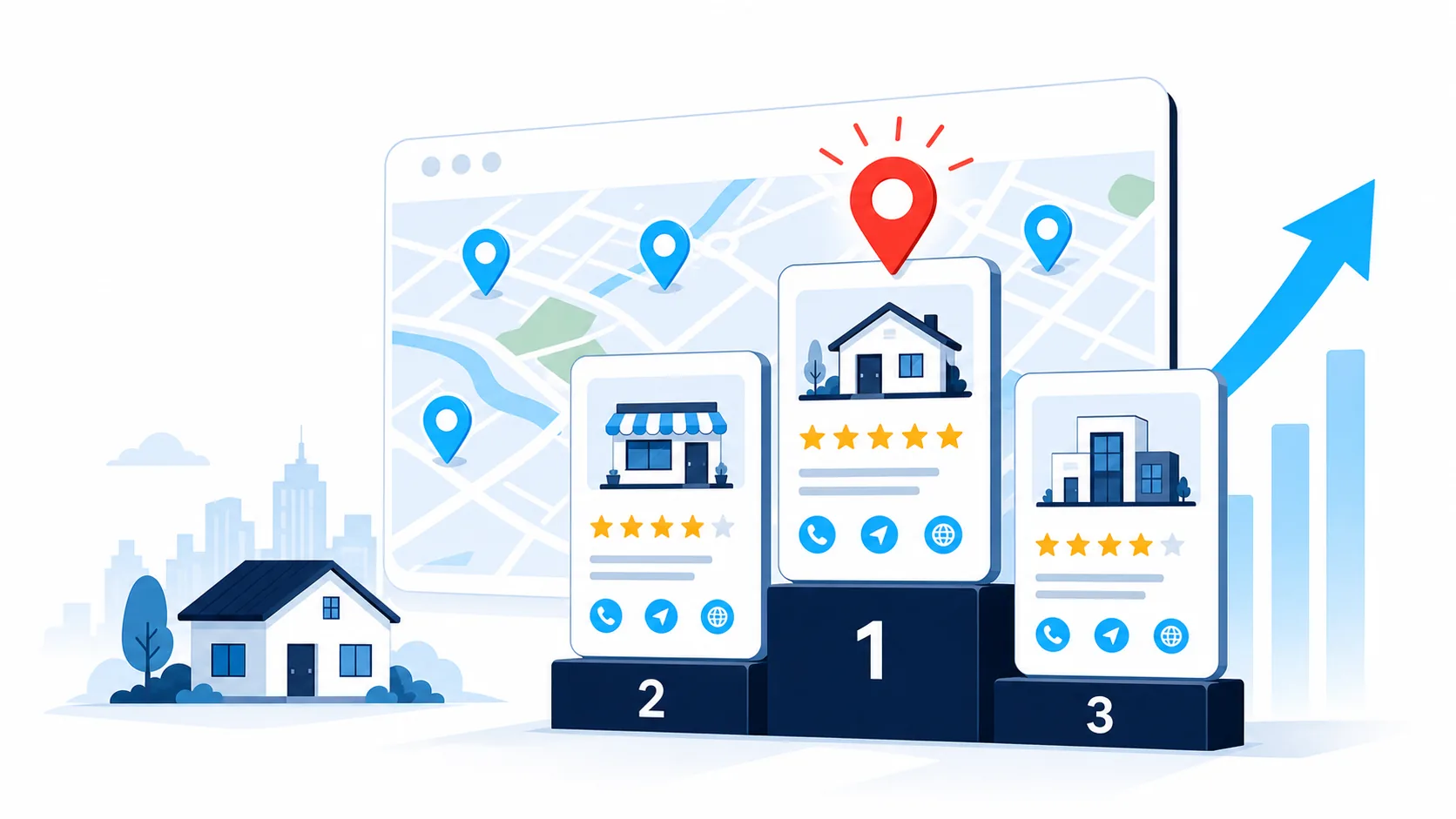
When someone searches “roof leak repair [suburb]” or “ducted air conditioning [area]”, the first thing they see is usually the map pack: the three business listings above the organic results, complete with ratings, photos and a call button. Those three positions are some of the highest-value visibility a local business can hold. The clicks are free once earned, the decision cycle is short, and the visibility doesn’t disappear the moment you pause an ad budget.
For a home improvement business, consistent map pack visibility usually means steadier enquiry flow and lower customer acquisition costs, because much of the trust-building happens before anyone contacts you. This guide covers how the map pack actually works, how to set up your Google Business Profile properly, and what to do differently if you’re in air conditioning, roofing, pools, kitchens or solar. The focus is on mechanisms that persist rather than features Google changes every year, and on building a routine your office manager or agency can run, not another job on your plate.
Why the Map Pack Matters
When someone searches for a local trade, their attention goes to the map pack first, then the ads, then the organic listings below. The map pack sits above most organic results, next to tap-to-call buttons, and carries immediate trust signals: rating, review count, photos. If your profile looks active, clearly local and well reviewed, you often win the call before the prospect scrolls any further.
The map system is also how Google works out where you genuinely operate. Suburb and region names drive a large share of local search behaviour. A profile showing real service areas, photos from recent local projects and fresh reviews that mention specific locations gives Google what it needs to show you to nearby searchers. That’s visibility you don’t pay for click by click.
How Google Ranks Local Businesses
Your Google Business Profile is the free listing that powers the map pack, the business panel in desktop search and your presence in the Maps app. It holds your core details (name, categories, hours, service areas, photos) and displays your reviews alongside call, directions and website buttons.
Google’s local ranking system weighs three factors.
Relevance: how closely your profile matches the search (categories, services listed, profile content).
Distance: how close you are to the searcher or the area they named.
Prominence: your overall online footprint, including reviews, profile activity and mentions across the web.
You can’t move your business to improve distance. Relevance and prominence are the levers you control, and everything below works on one of those two.
Get the Foundations Right First
Claim and verify the listing
Search your business name on Google Maps. If it appears, claim it. If not, create it, then complete verification so you have full editing control. Use your actual business name. Stuffing locations or services into the name field breaches Google’s policies and can get the listing suspended.
Choose the right primary category
Your primary category is the strongest relevance signal you control, so be specific: “Electrician” rather than “Electrical engineer”, “Bathroom renovator” rather than “Plumber” if renovations are what you want more of, “Air conditioning contractor” rather than generic “Contractor”. If your work spans categories, say a refrigeration business that also installs split systems, set the primary category to the work you most want to rank for, then add the rest as detailed services within the profile.
Keep details consistent everywhere
Name, phone, hours and service areas should match across your website, your profile and any directories you maintain. Small discrepancies create confusion and weaken trust signals. Use a phone number that’s reliably answered, and if you run call tracking, configure it so the profile shows one consistent number.
Set realistic service areas
List the areas you can genuinely reach promptly, weighted towards where you want more work. You don’t need to claim every council area in your region. A focused service area backed by real projects and reviews outperforms a sprawling list with nothing behind it.
Photos and Description: Pass the Mobile Scan
Most people see your profile on a phone, and they scan it in seconds: right category, decent rating, open now, call button, a few photos that look real. Make that scan effortless.
Photos should look like your customers’ properties, not polished marketing material. Before-and-after repairs, clean installations, tidy sites, finished projects. Natural light, steady framing, no text overlays. You don’t need a weekly upload habit. What works, and what’s sustainable, is a standing process: whoever closes out jobs sends photos from recent work to whoever manages the profile, and a fresh batch goes up each month. Photos tied to the suburbs where you want more work do double duty.
The description needs one concise paragraph: what you do, where you do it, and what happens when someone contacts you. If you charge a call-out fee or have a minimum project value, say so here. It filters out enquiries you’d have turned away anyway.
Reviews: The Biggest Prominence Lever
Reviews are one of the strongest map pack ranking factors, and fresh reviews that mention a service and a suburb help you appear for exactly those searches. The system is simple to describe and easy to neglect: ask every customer shortly after job completion, respond to every review, and keep it genuine. The full playbook, including timing, wording and how to handle critical or fake reviews, is in our guide to getting more Google reviews.
Connect Your Profile to Pages That Match the Search
Your profile captures intent inside Maps and search results. Your website answers deeper questions and handles longer consideration cycles. They should reinforce each other.
Give your homepage a headline that mirrors what people search (“Emergency electrical service in [area] and nearby suburbs”), a short paragraph naming your core service areas, a plain explanation of what happens when someone calls, and a tap-to-call number. Link your profile to this page, and link back to your profile from the page.
Then build location-focused pages for your most important service and area combinations. Each needs the service, the location, an authentic photo, one brief case example and a clear call to action. These don’t need to be long. They need to match the query the person just typed. Our landing pages guide covers the structure in detail.
Add simple structured data (LocalBusiness and Service schema) so search engines can read the pages properly. Keep it accurate and aligned with the visible content. It’s proper labelling, not manipulation. For the broader picture of how profile and website work together, our local SEO guide is the companion piece to this one.
Trade-Specific Guidance
Air conditioning and heating
Most urgent demand is “no cooling” and “no heating” calls, and it’s seasonal. Keep the primary category tight (“Air conditioning contractor”), list installation, repair and maintenance as services, and rotate photos with the season: maintenance work and clean installs before summer, heating jobs before winter. If you offer same-day or next-day availability, say so in the description. If you handle both repair and installation, point the profile’s website link at whichever page matches current seasonal demand or your advertising focus.
Roofing and exteriors
Leak and storm damage searches are urgent and trust-sensitive. Use photos showing safe access and professional temporary repairs on typical local homes, not just showcase projects. Set expectations in your description about inspections, quotes and minimum service fees, and make licence details easy to find, particularly if you operate across council areas. Reviews mentioning punctuality, site cleanliness and professional conduct carry particular weight here. Respond to them, and mirror that language on your website.
Pools and spas
Pool and spa clients want clear water, quiet equipment and service done before the weekend or the holidays. Show real pools in ordinary residential settings, not brochure shots. When requesting reviews, encourage customers to mention the suburb and the service type. Over time that helps you surface for “[service type] [suburb]” searches. Keep equipment sales on your website and let the profile focus on service bookings.
Kitchen renovation
Kitchen projects involve larger decisions and budgets, so use the profile to qualify and reassure. Show a mid-range kitchen in a local suburb, not only your showcase work, and state your minimum project value in the description so the enquiries that come through are ones you’d actually quote. Link to a focused kitchen page with one or two recent projects and a clear path to book a consultation. Reviews that mention communication, professional handover and sticking to agreed timelines help rankings and conversions at the same time.
Solar and battery storage
Solar and battery customers compare multiple quotes, so the profile’s job is reducing perceived risk. Display relevant certifications, show recent installations with system size and roof type, and use the description to explain your quoting process (site visit, bill review, system design) and the main equipment brands you install. Link to a process page that walks from enquiry to installation and ends with a short form: name, phone, location, optional photo of the electricity bill.
Make It a System Someone Owns
None of this needs the owner’s time every week. It needs the owner to set the system up once, then hand it to a named person: an office manager, an ops coordinator, or an agency.
The routine is small. Each month, upload a batch of photos from recent jobs, confirm hours and service areas still match reality, and check the description still reflects what you do. On an ongoing basis, review requests go out after every completed job (automated, ideally) and every review gets a response within a day or two.
Track a handful of numbers from the profile: calls from the call button, website visits from the profile link (use UTM tags, simple additions to a web address that show in your analytics which clicks came from the profile), new reviews and average rating, and booked jobs that started from Maps. If results plateau, pick one lever and work it for a few weeks: more photos from the suburbs you’re targeting, a higher review request rate, or a check that your category and services still match what people search.
Fix Common Issues Before They Cost You Work
If you don’t appear in areas you serve, check the service area settings first, then add photos and case examples tied to those locations. If your photos look like stock imagery, replace them with real project shots. If the call button goes to voicemail during business hours, fix call handling before anything else. A missed-call text at least keeps the enquiry alive, and our guide to turning enquiries into booked jobs covers that side properly. If you’ve relocated, update the profile first, then your website and directories.
And if a previous marketer stuffed keywords into your business name or created fake location listings, remove them. Short-term tactics aren’t worth the suspension risk, and regulators continue to focus on misleading online information.
A Simple Rollout Plan
Today (delegated, if that’s how you run things): pick one location where you want more work. Add it to your service areas, upload a before-and-after from a recent project nearby, and send review requests to three recent customers.
Tomorrow: confirm the profile’s website link lands on a clear, location-aware page, and test the call button from a mobile.
In two weeks: review calls, enquiries and booked jobs that originated from Maps, and adjust from there.
Map pack ranking isn’t mysterious. A complete profile, the right categories, genuine service areas, a steady flow of reviews and local photos, and website pages that match the searches. Run that as a routine and the visibility compounds.
Get Your Map Presence Worked On Every Month
A well-run Business Profile compounds, but it competes for attention with quoting, scheduling and everything else in the business, which is why it’s usually the first thing to slip. Our Local SEO accelerator handles it end to end: Business Profile management every week, suburb pages, citations and review signals, on top of the Website and Enquiry System, our system for trades. You keep ownership of every asset and see exactly what it produces. If you’d like to see it live before deciding, we’ll walk you through it.Lead Generation
Book a demo